Control Your Mac or PC
From your iPhone, iPad, & Apple Watch
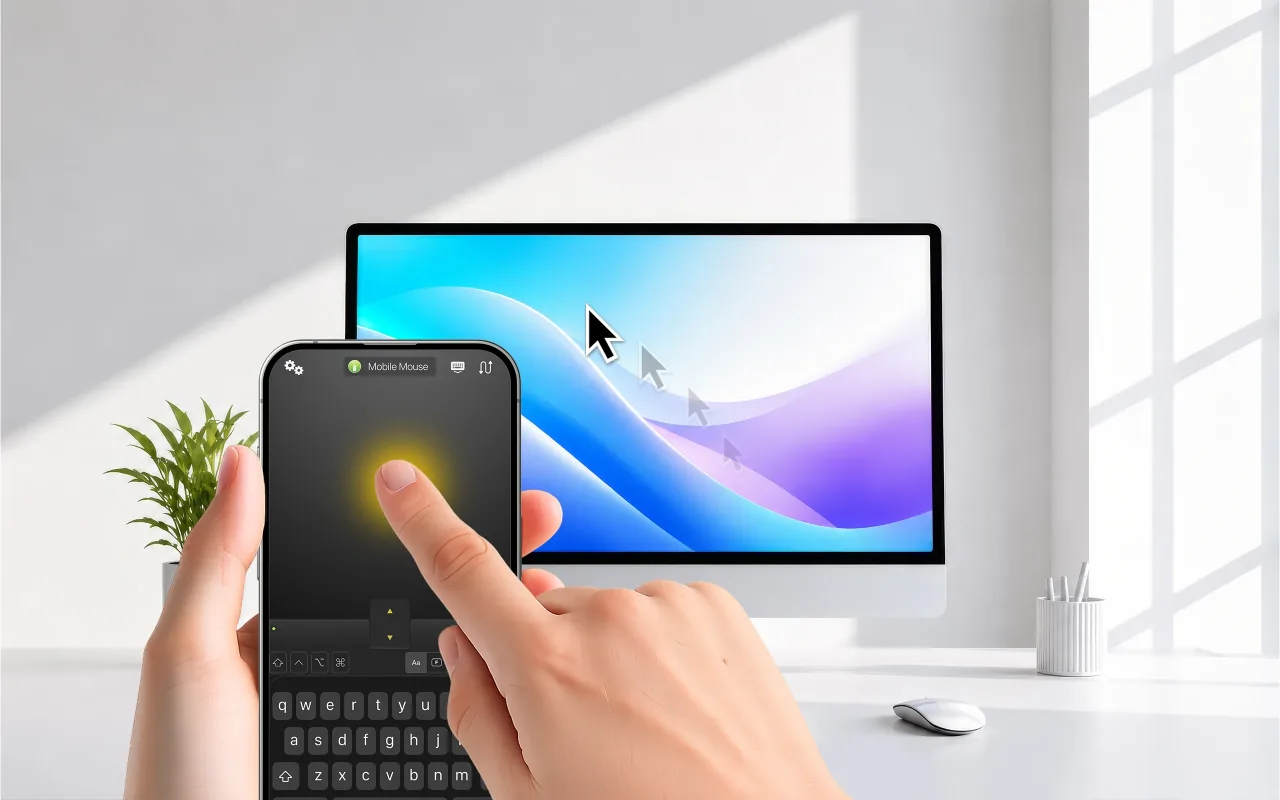

Full application-aware control for Mac and Windows over local Wi‑Fi, peer-to-peer, internet, or cellular.
Local Network & Cloud access
Choose Wi‑Fi →
Direct Bluetooth control for Mac, Windows, Linux and iPad without Wi‑Fi or server software.
Pair directly with Bluetooth
Explore Bluetooth →
Pair your iPhone with a USB dongle plugged into a compatible host. No desktop server needed.
Ideal for restricted setups
Explore USB →
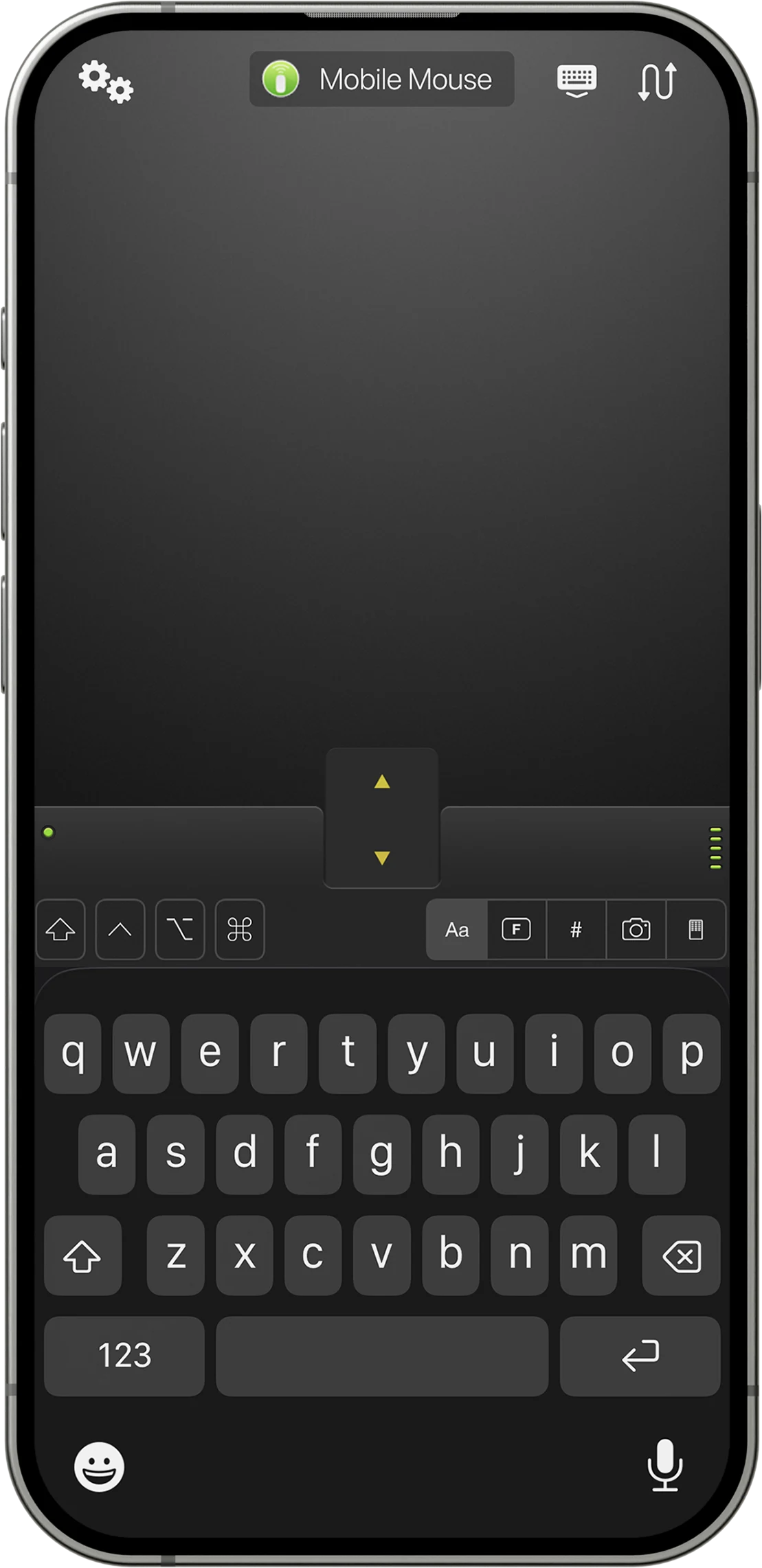
01Trackpad & Keyboard
Point, click, scroll, gesture, and type from one screen.
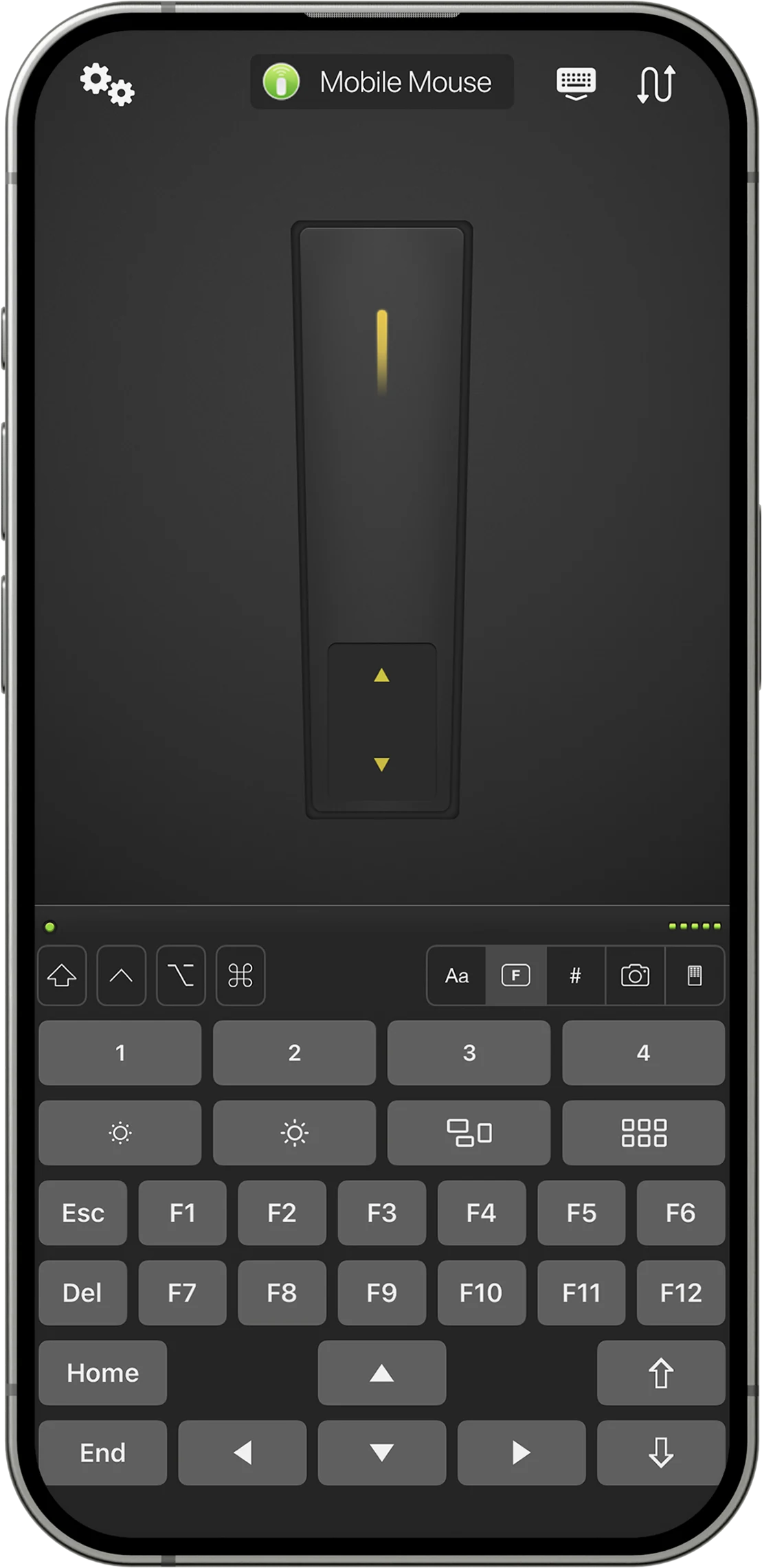
02Air Mouse
Move the cursor naturally by pointing and moving your iPhone. Air Mouse guide →
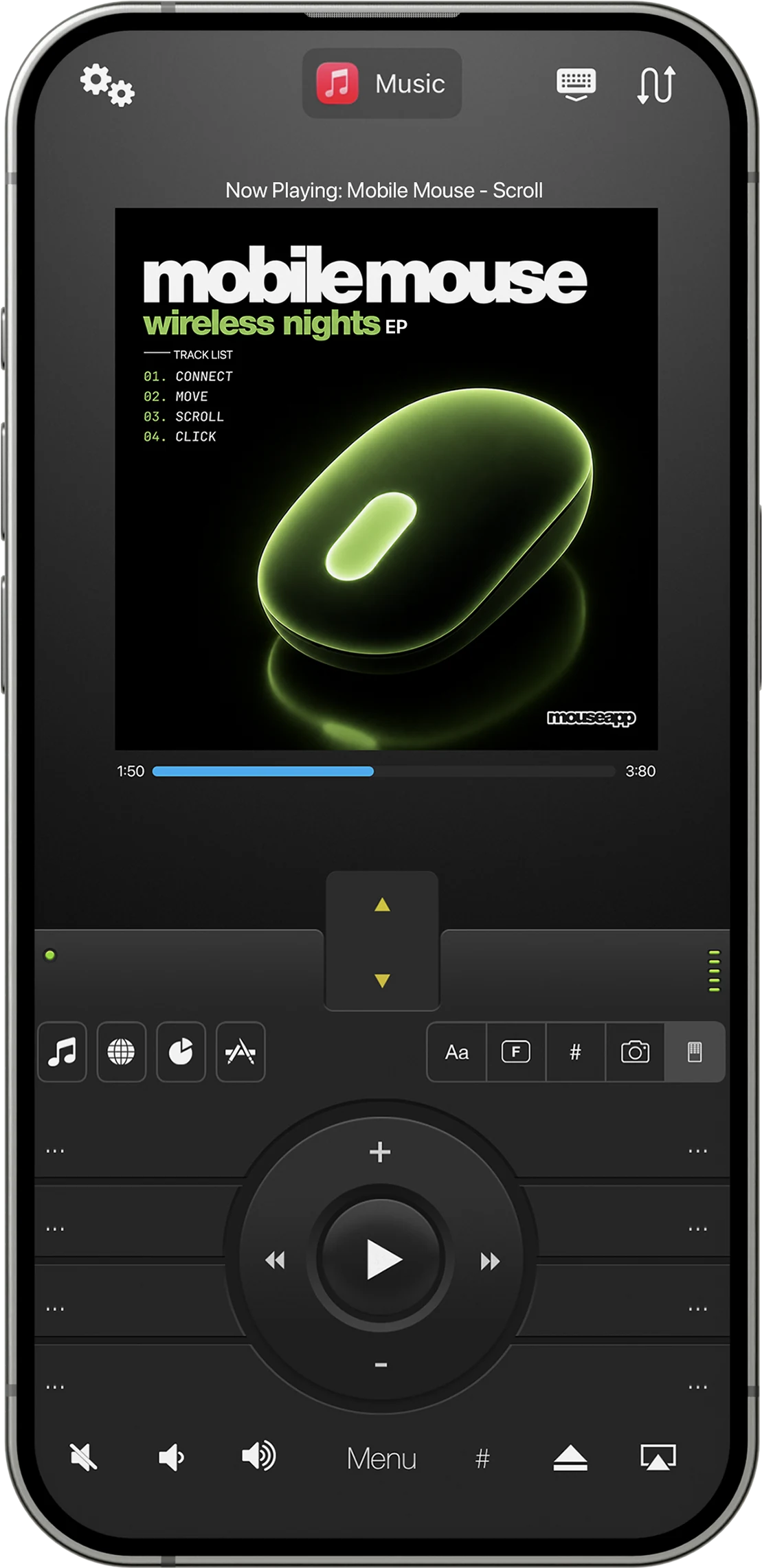
03Media Remote
App-aware playback and volume controls appear when you open a media app.
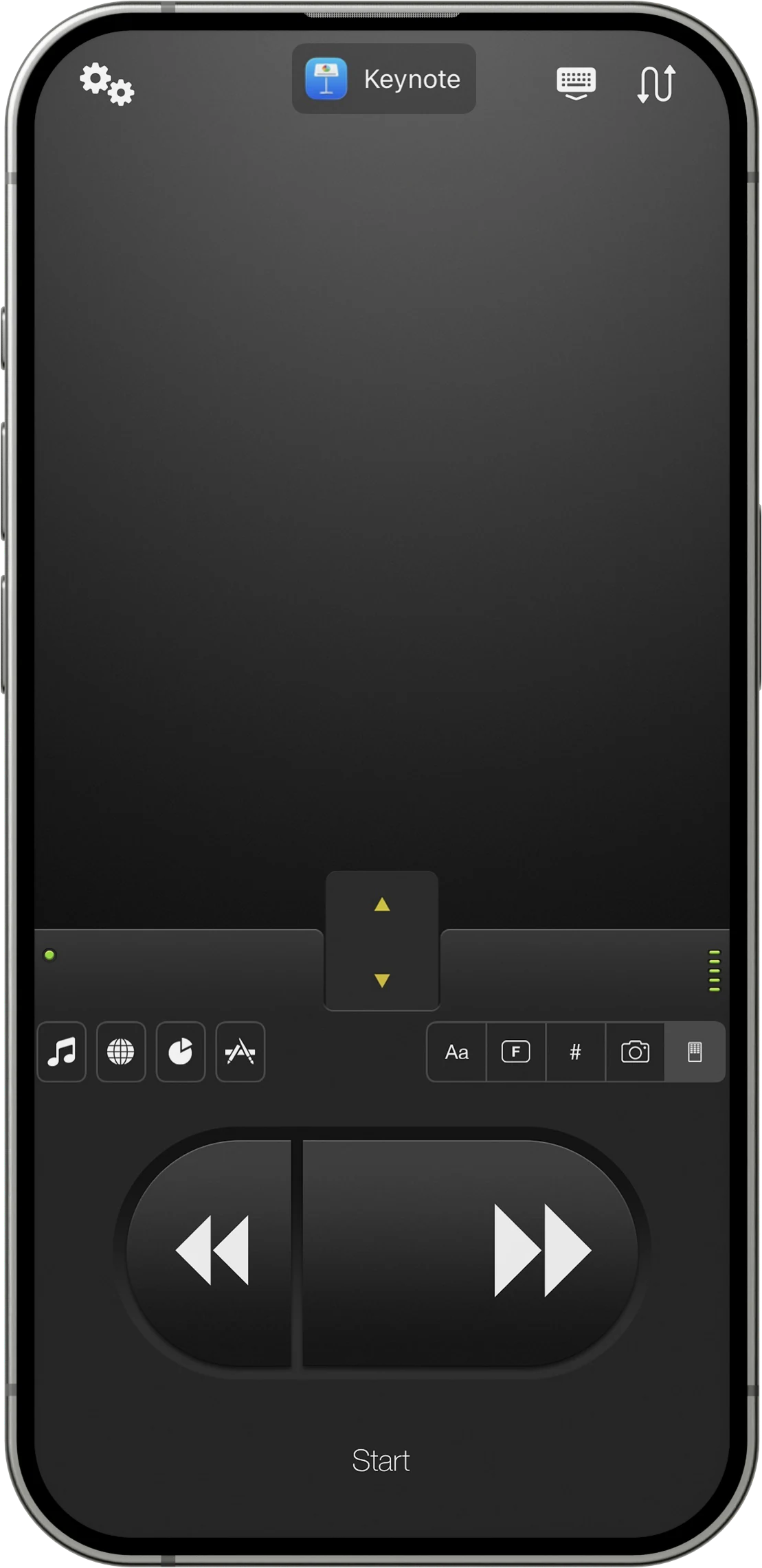
04Presentation Remote
Move through slides and stay focused on your audience.
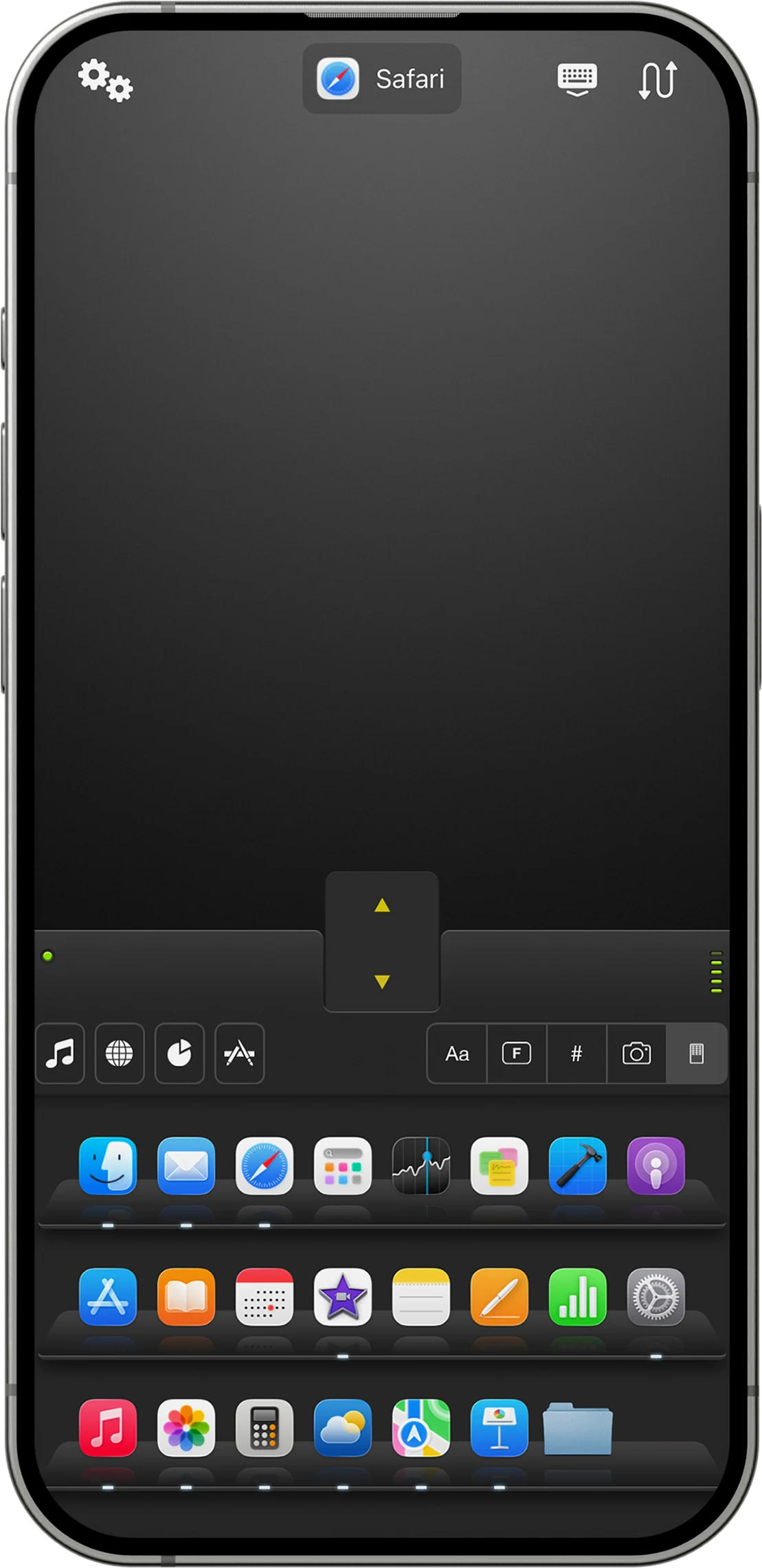
05App Switcher
Launch, switch, and manage applications without returning to your desk.
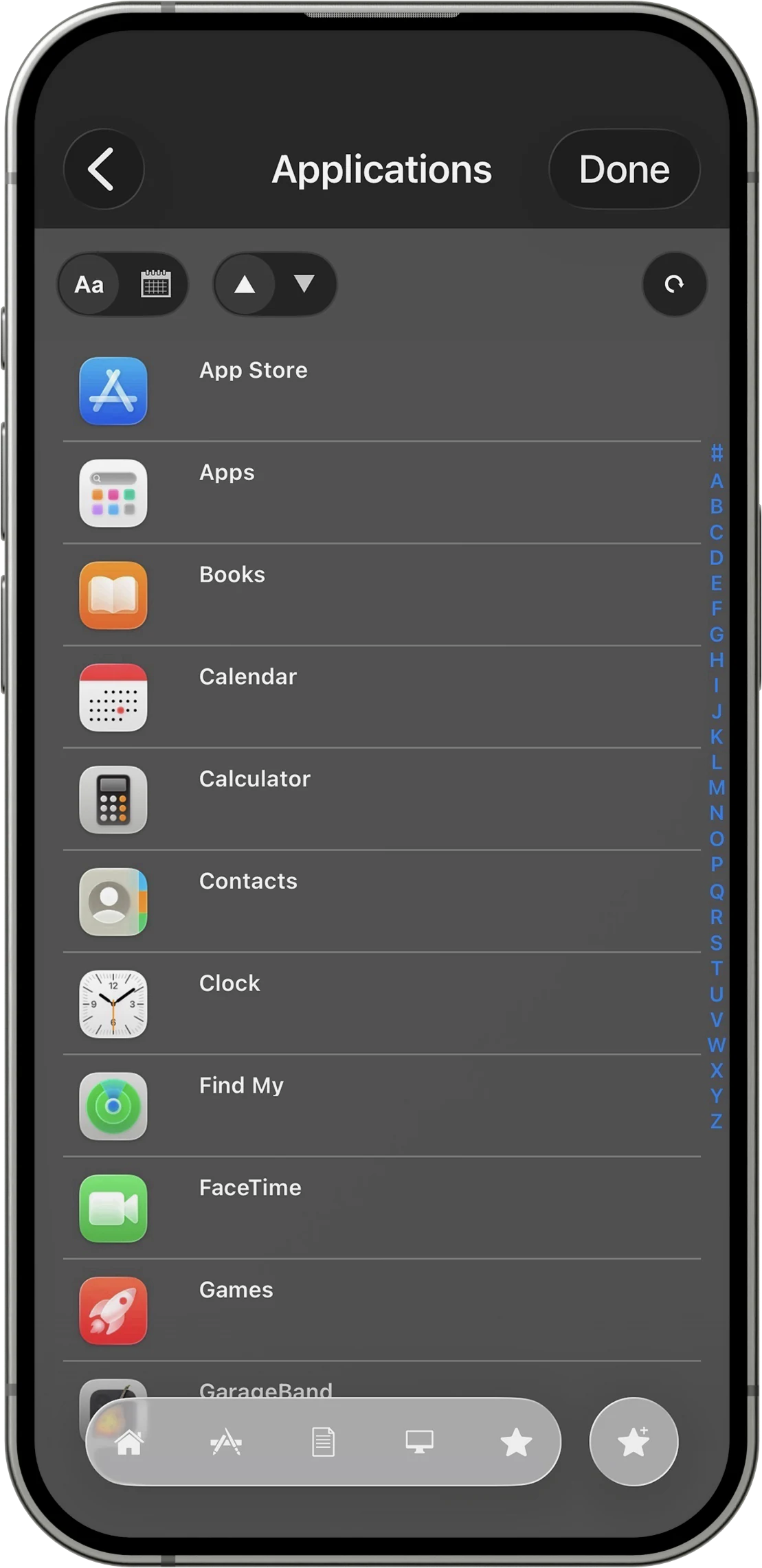
06File Browser
Browse your computer and open the file or app you need.
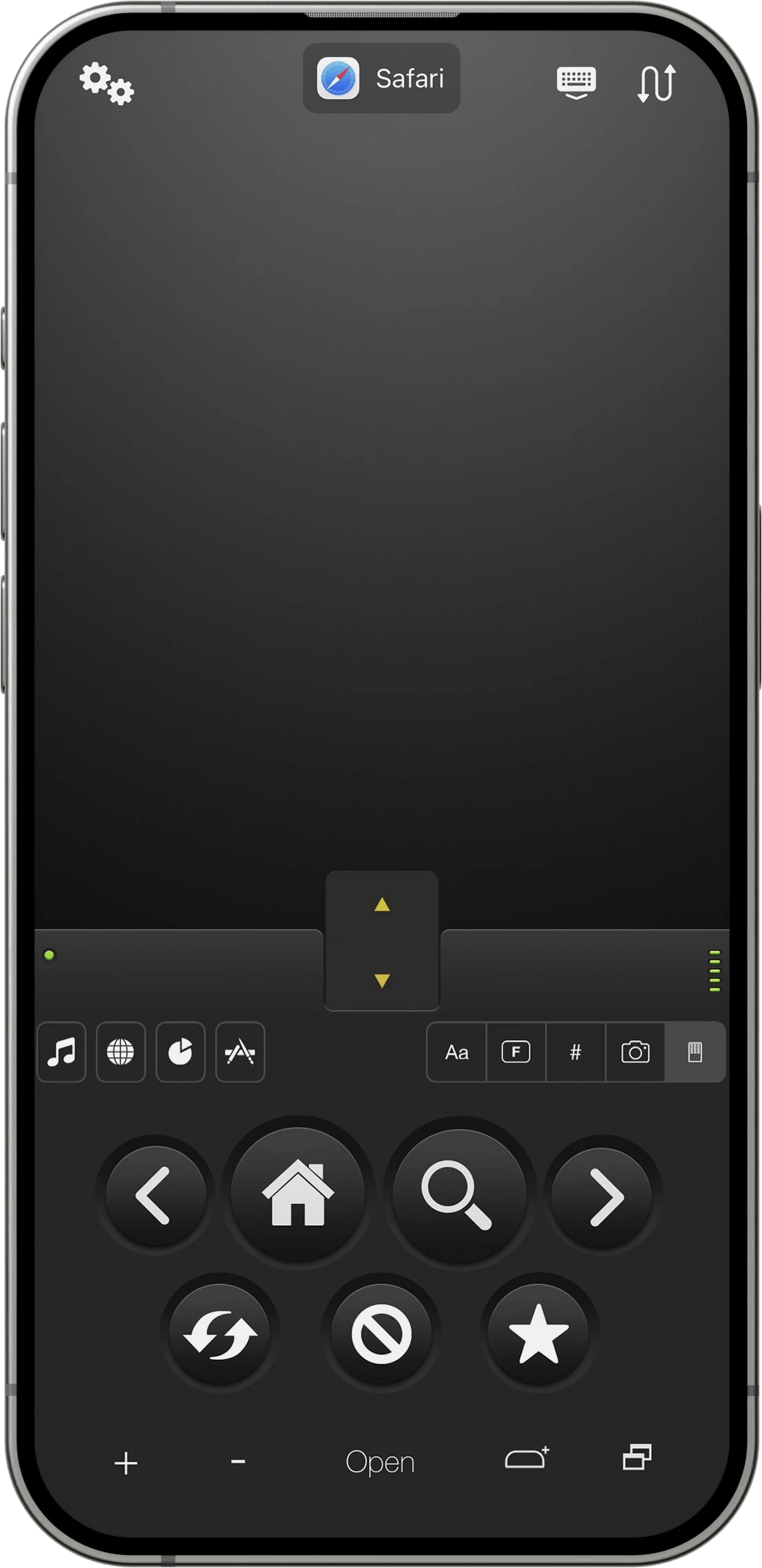
07Web Remote
App-aware navigation, search, refresh, and window controls for your browser.
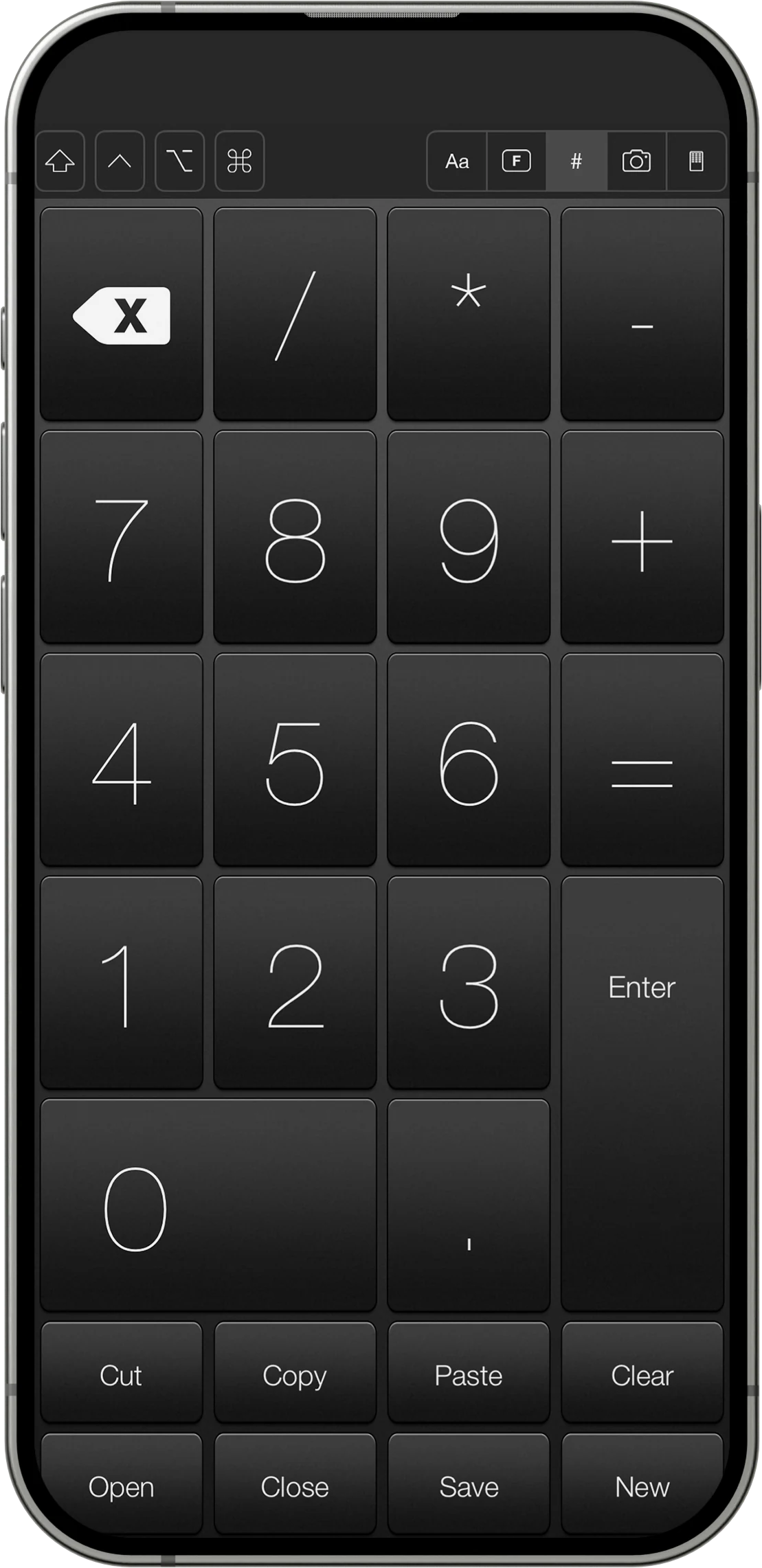
08Numeric Keypad
Enter numbers and common operators with a full-size keypad.
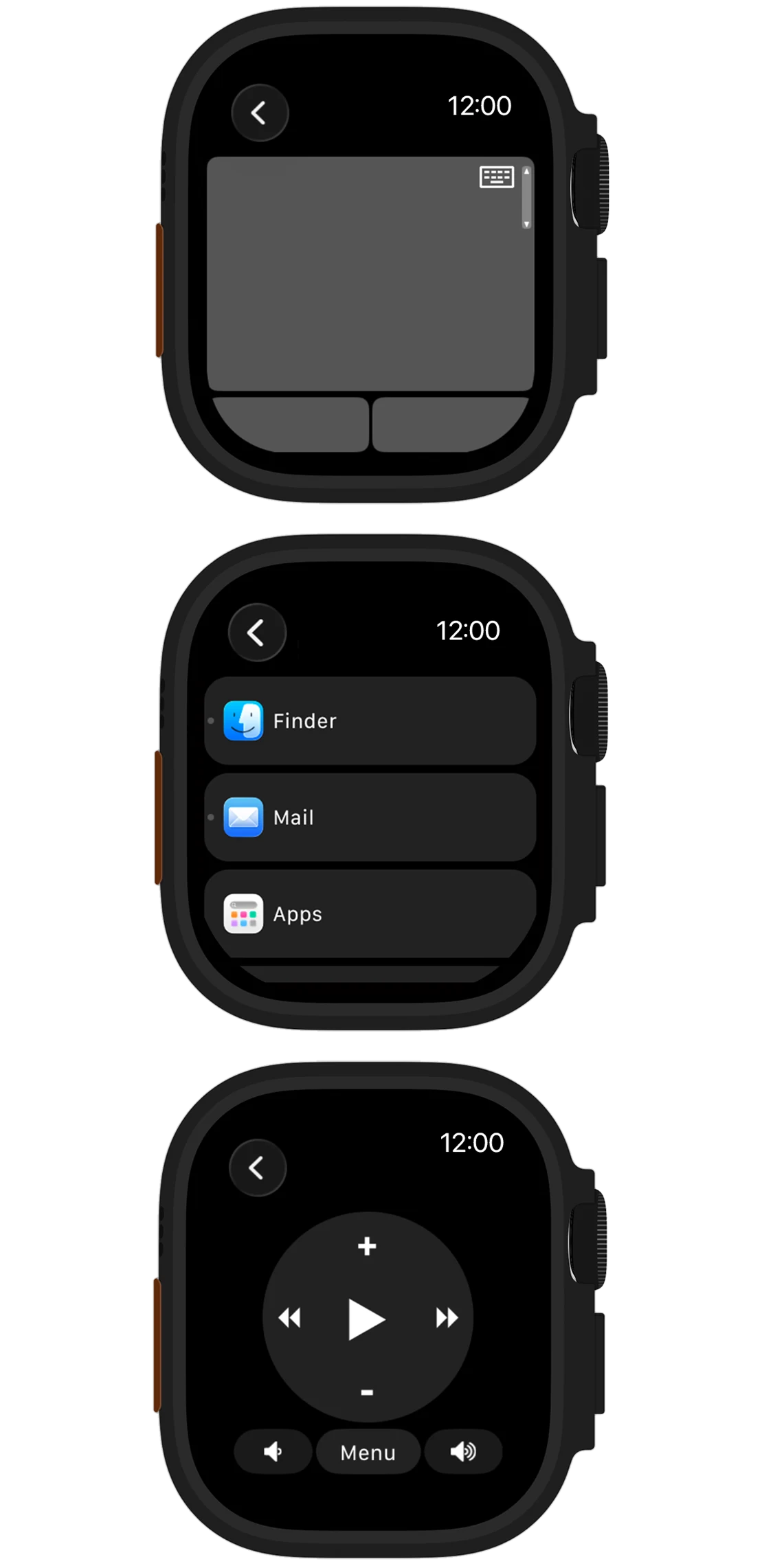
09Apple Watch
Keep essential trackpad, app, and media controls on your wrist. Apple Watch guide →
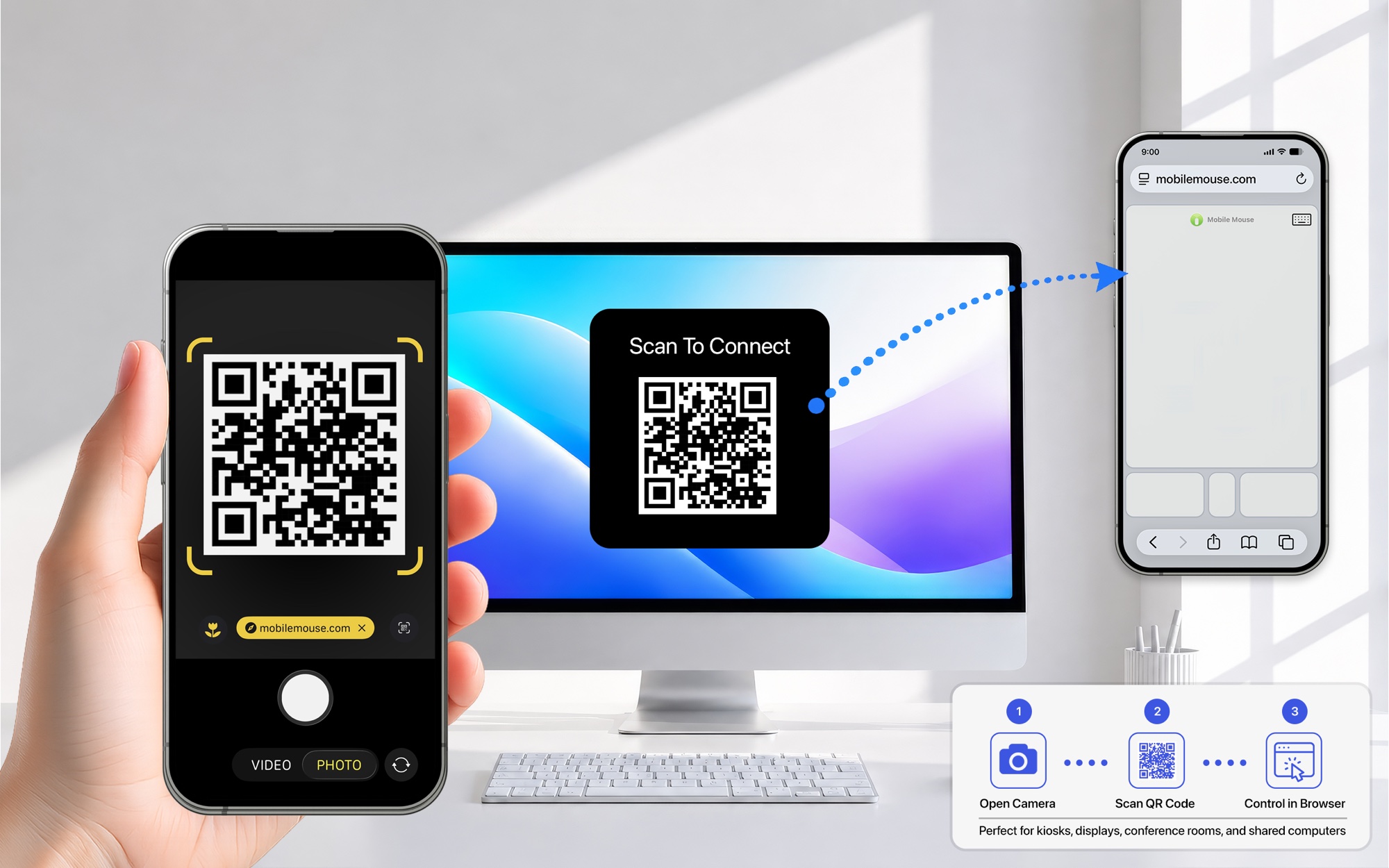
New Feature Spotlight
Scan. Connect. Control.
Scan the QR code to open a trackpad in your phone’s browser.
Trusted since 2009
Small app. Big reputation.
★★★★★
Easy connection and great functionality
“Ridiculously easy to connect—first time with absolutely no problems.”
App Store review
★★★★★
Best. App. Ever.
“Probably the most functional app I’ve ever purchased… the air mouse is extremely precise. I’d give this ten stars if I could.”
App Store review
★★★★★
Indispensable
“There are few apps on my indispensable list. This is one of them… this app works perfectly to control it.”
App Store review
★★★★★
Perfect for the classroom
“Right out of the box—fantastic. I use it with a smart board in the classroom.”
App Store review
★★★★★
Excellent and consistent
“I’ve used this app for years. My most frequent use is controlling my laptop from across the room when it’s connected to the TV.”
App Store review
★★★★★
One of my favorite apps
“I can watch movies or browse while relaxing and use my phone as both a mouse and keyboard.”
App Store review
MacYourself
“I was simply blown away by the functionality packed into this seemingly tiny app. What exactly does it do? Surprisingly, a heck of a lot.”
MacYourself
TapCritic
“This is a ridiculously well-designed and thought-out app.”
TapCritic
AppCraver
“I haven't been as enthused about an app as I am with Mobile Mouse Pro, from R.P.A. Tech, in a long time.”
AppCraver
ZDNet
“This excellent app turns your iPhone into an accelerometer-based mouse controller.”
ZDNet
TouchMyApps
“Mobile Mouse Pro has become the undisputed heavyweight champ of all iDevice mouse/trackpads.”
TouchMyApps
Terry White’s Tech Blog
“It’s not that often that I find an iPhone app that does everything I’d want it to… Mobile Mouse Pro is just such an app!”
Terry White’s Tech Blog
Ready when you are
Choose your version. Start controlling.
Tell us how you want to connect and we’ll show you exactly what you need.
How do you want to connect?
Step 1Get the mobile app
For iPhone, iPad, and Apple Watch.
Step 2Install the server
Install on the Mac or Windows PC you want to control.
No server requiredMobile Mouse Bluetooth
Pair directly with your Mac, Windows PC, Linux computer or iPad and control it offline. No dongle required.
Get the Bluetooth version →
Direct hardware connectionMobile Mouse USB
Connect directly to a compatible device without Wi‑Fi or a local network.
Get the USB version →
News, without the noise.
Product announcements and occasional special offers from Mobile Mouse.






 iPhone app
 Windows 10+